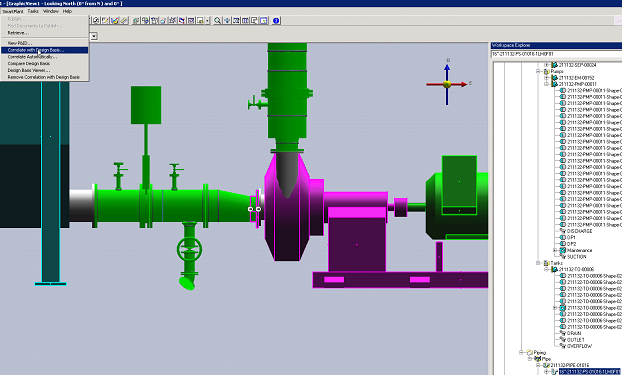
1. Set the select filter to Pipe Runs.
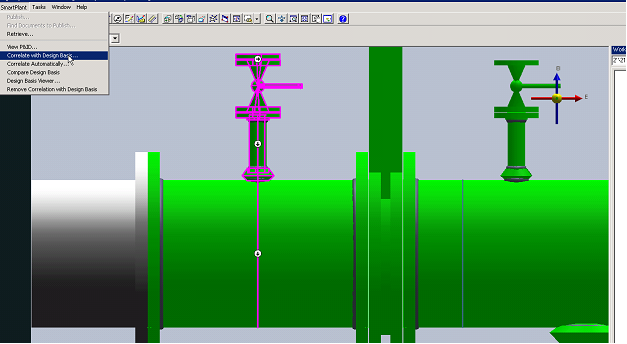
2. Select pipe run in the 3D model
3. Under SmartPlant in the top ribbon, select Correlate with Design Basis.
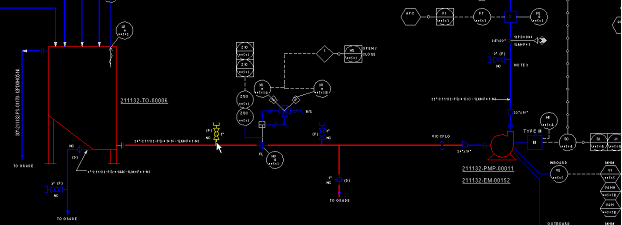
Result: The system prompts the selected pipe run to be correlated from P&ID view.
4. Select pipe run in P&ID view.
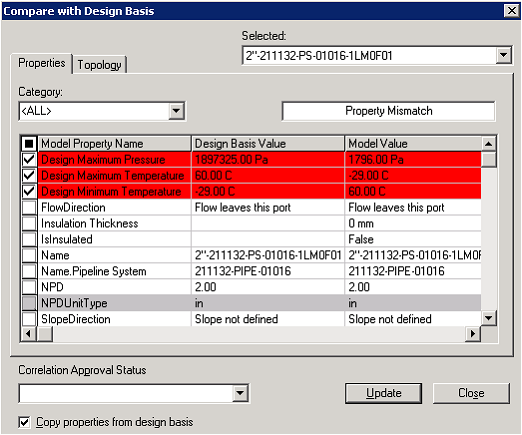
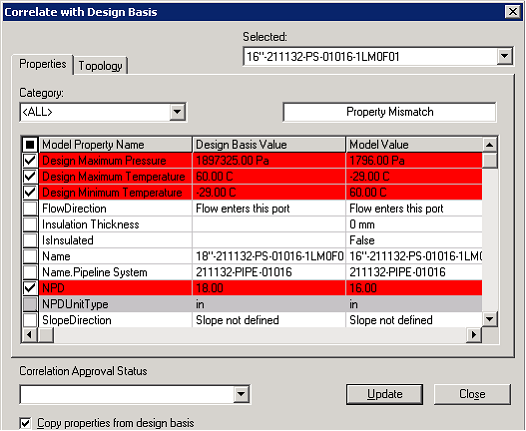
Result: The dialogue Compare with Design Basis opens.
5. Review the property mismatch
6. Click Update to push selected attribute data from design basis to S3D object.
Repeat steps 1 through 6 for all other uncorrelated pipe runs.