Pipe Runs Workflow
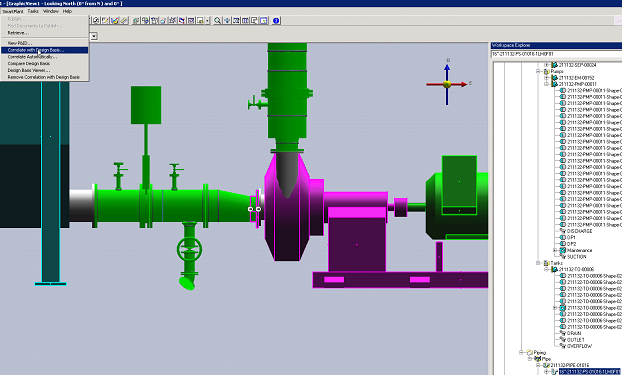
1. Set the select filter to Pipe Runs.
2. Select pipe run in the 3D model
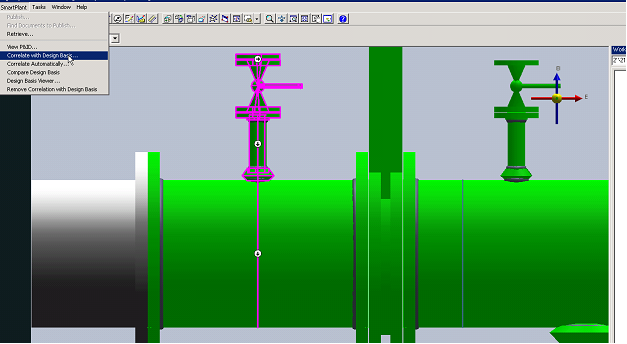
3. Under SmartPlant in the top ribbon, select Correlate with Design Basis.
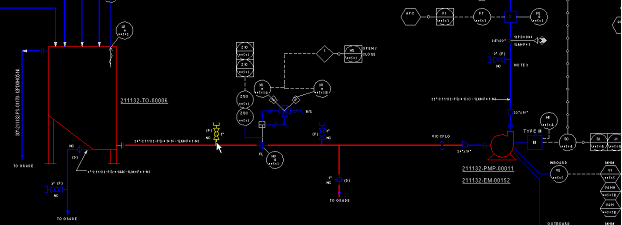
Result: The system prompts the selected pipe run to be correlated from P&ID view.
4. Select pipe run in P&ID view.
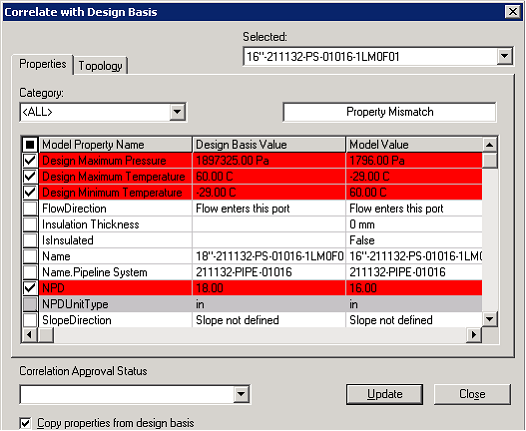
Result: The dialogue Compare with Design Basis opens.
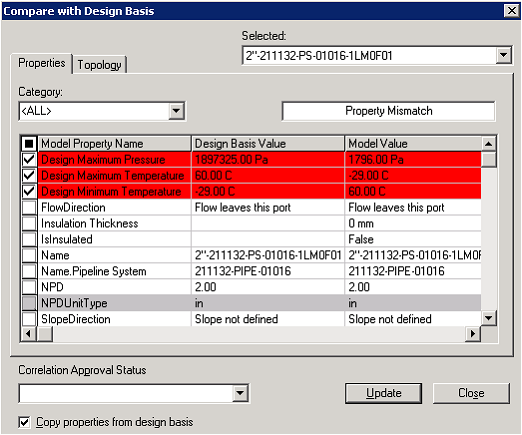
5. Review the property mismatch
6. Click Update to push selected attribute data from design basis to S3D object.
Repeat steps 1 through 6 for all other uncorrelated pipe runs.