Retrieve S3D .vue Files with Cable Lengths and Paths from S3D
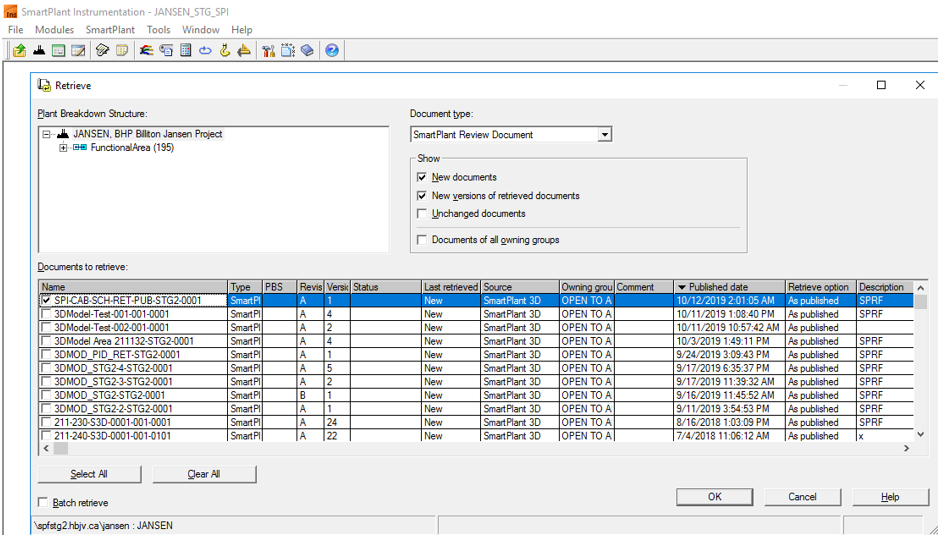
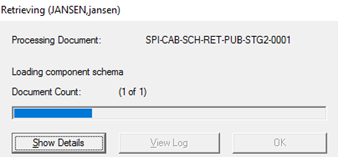
Follow the retrieve procedure explained in Retrieve a P&ID from SP&ID to retrieve the .vue files with cable length and routing path from Smart 3D.
Filter or sort and select the relevant document.
Note: Before the retrieval step, SPI publishes the cable schedule which is retrievedin S3D. Refer to Publish a Cable Schedule - Integration Tips (S3D). Cables are then routed, and a .vue file with cable length and routing path is published back from S3D to be retrieved in SPI, which closes the cycle.
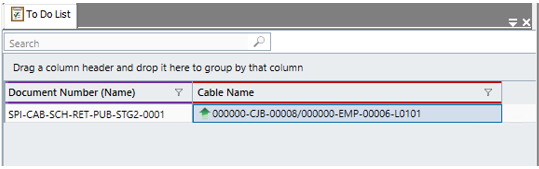
1. Open the To Do List
2. Select the Cable Connection Browsertab at the bottom of the screen
Note: Since the cables have been published from SPI, only the Update task is available for them.
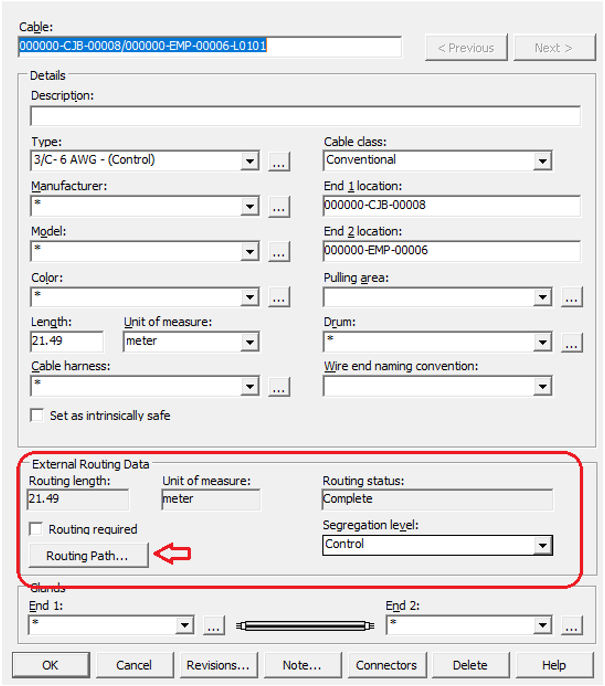
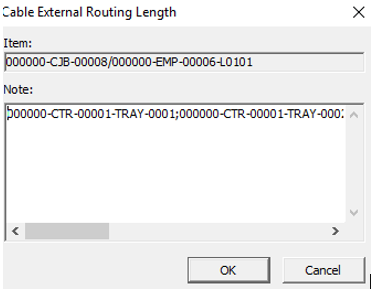
We are retrieving the following values: External Routing Path, External Routing Length and Cable Length.