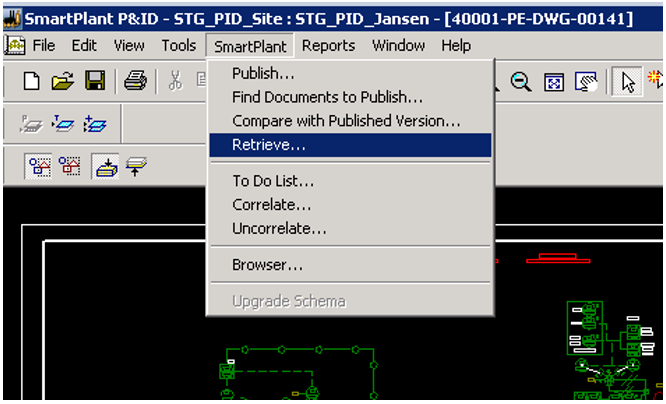
1. Once connected to the desired unit in SP&ID, open the drawing where the mechanical equipment should be located
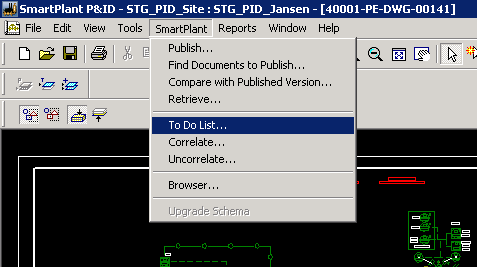
2. Expand the SmartPlant menu on the top ribbon, and select Retrieve...
Note: If you haven't logged in yet, SPF will prompt you to enter your credentials.
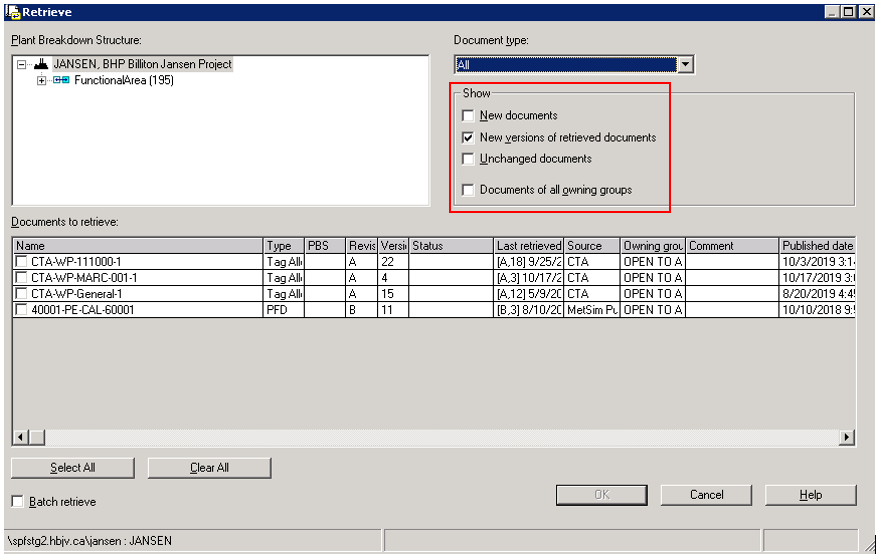
Result: The Retrieve dialogue box opens.
The Show section allows you to select which documents will be displayed in the list:
New documents: Checking this box results in a list of only new documents that have not yet been retrieved.
New versions of retrieved documents: This option will result in displaying only the documents that have new versions published since their last retrieval.
Unchanged documents: Displays documents that have not changed from the previous retrieve.
Documents of all owning groups: Displays documents associated with all owning groups. If an owning group is not configured to the user, the documents associated with it are not available and cannot be retrieved.
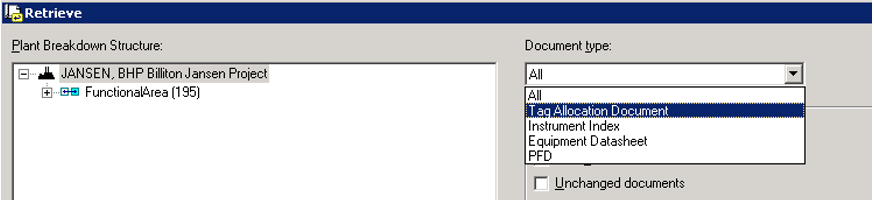
3. Select Tag Allocation Document under Document Type:
To sort the properties alphabetically, click a column header to sort the items in ascending or descending order.
To filter a column, right-click the column header, select Filter, then click the type of information you want to apply as filter.
To reorder columns, right-click on the column header, select Manage columns, then pick one of the following 2 options:
Reorder to move the column positions up or down, or
Reset to apply the default settings.
In the example shown here, the documents have been sorted by publishing date.
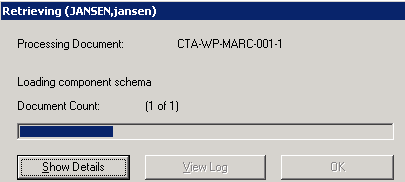
4. Click OK to start retrieving.
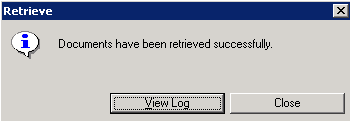
Result: The retrieval progress bar is displayed followed by a message of process completion.
Result: The CTA package is retrieved.
5. Expand the SmartPlant menu from the top ribbon and select To Do List...