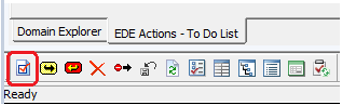
1. To display the Task Properties window select the icon in the bottom left side of the screen.
2. Select one or more tasks .
Result: These tasks are listed in the Task Properties tab. Navigate between tasks by clicking in this list. It will collapse all but the selected task.
You can change the task property status by selecting it from the dropdown menu in the Property Status column.
Note: If you change the task status from Active to Ignored, it will not be displayed in the To Do List the next time the item is retrieved.
To bring back the changed property to the To Do List click the icon next to the task.
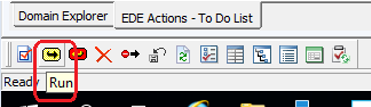
3. Execute the selected tasks by clicking the Run icon to run the tasks.
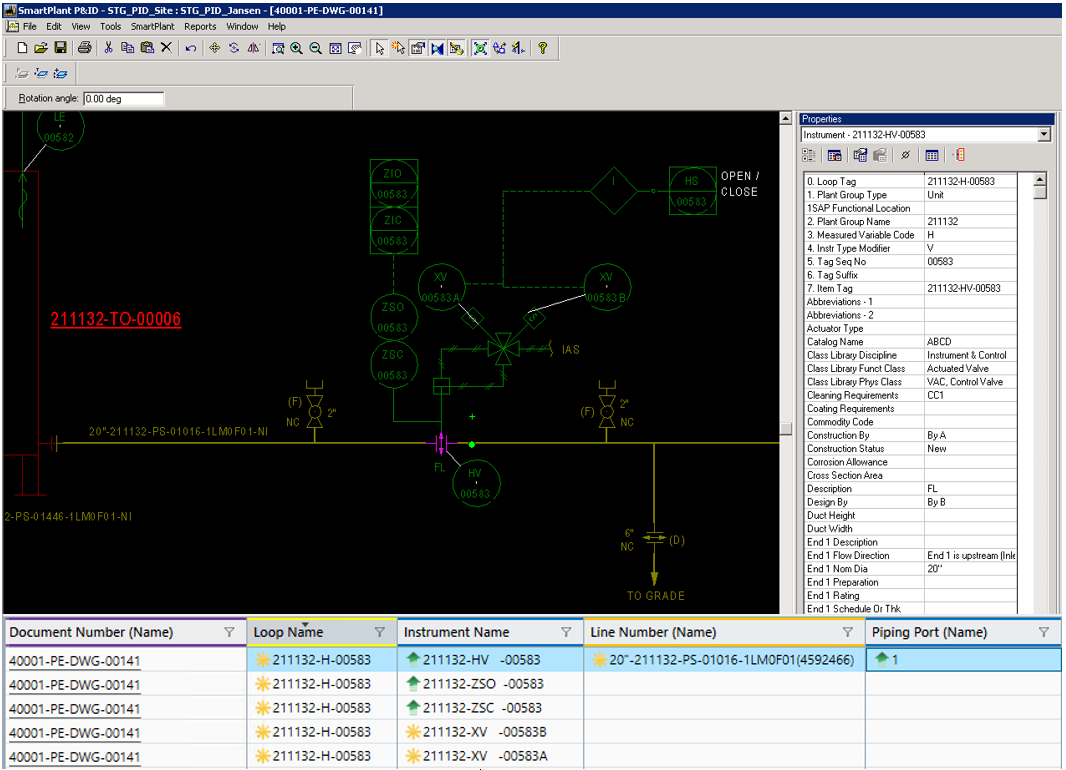
This example illustrates the following plant items:
Pipe run 20”-21132-PS-01016-1LM0F01-NI
Loop 211132-H-00583
When you run the tasks, the results are displayed in the Domain Explorer.

 icon next to the task.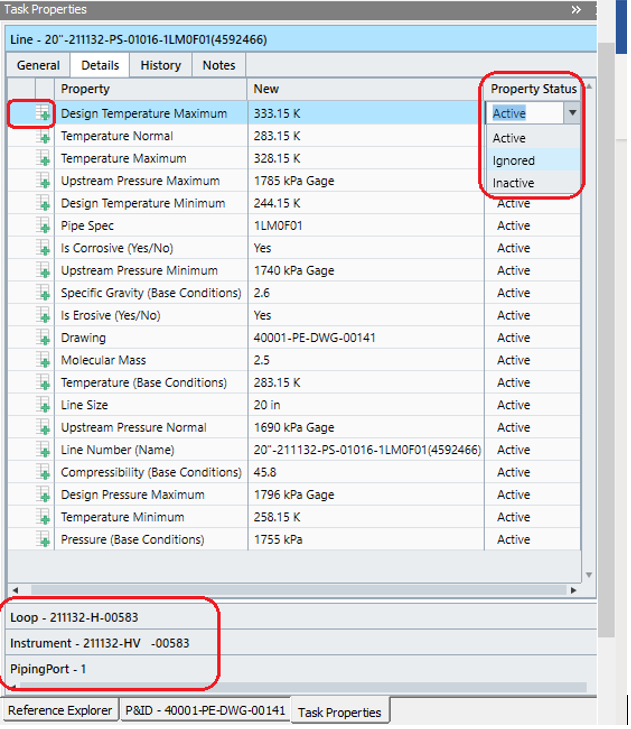
 icon to run the tasks.