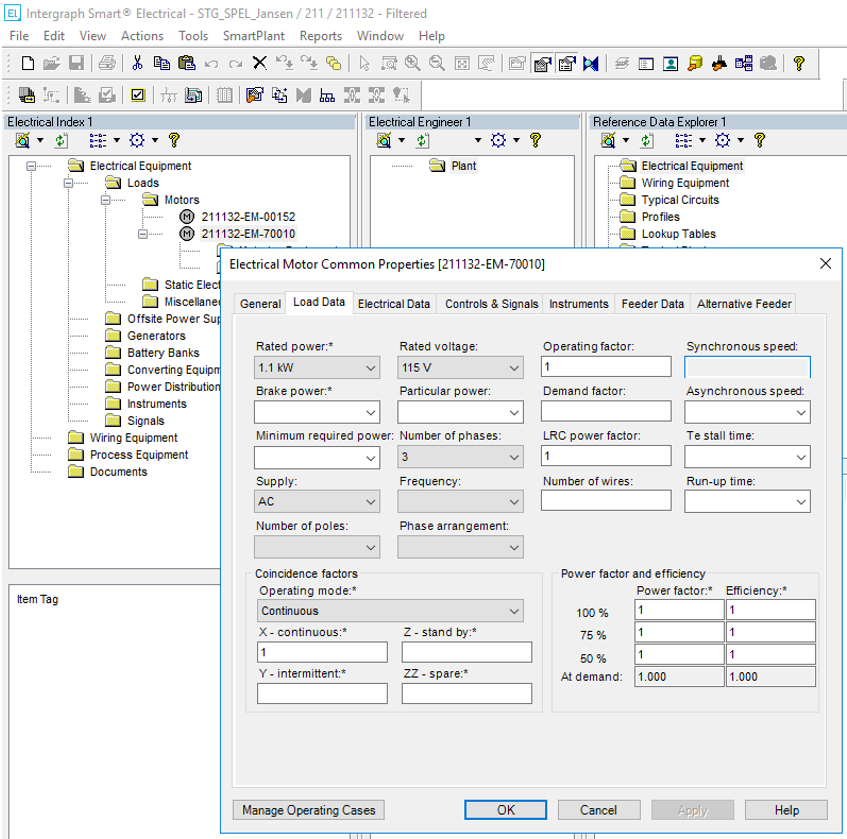
Retrieve Mechanical Equipment from CTA
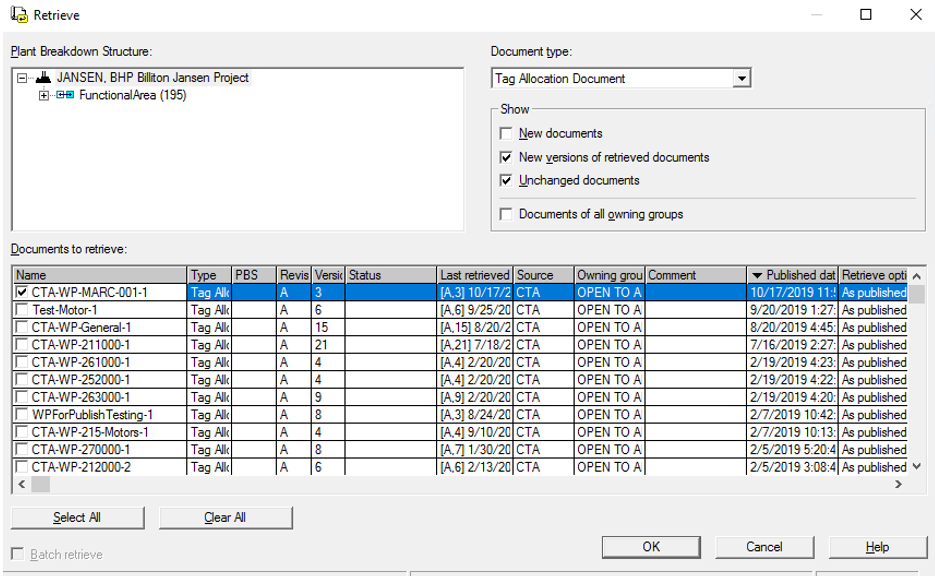
1. Expand the SmartPlant menu on the top ribbon and select Retrieve...
2. Expand the Document type: dropdown menu and select Tag Allocation Document.
3. Filter or sort the documents you want to display and click OK.
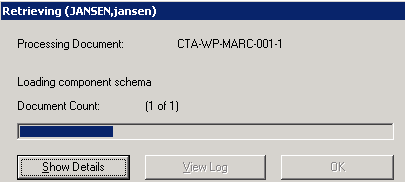
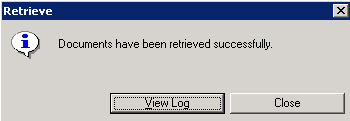
Result: The retrieval progress bar is displayed followed by a message of process completion.
4. Expand the SmartPlant menu on the top ribbon and select To Do List...
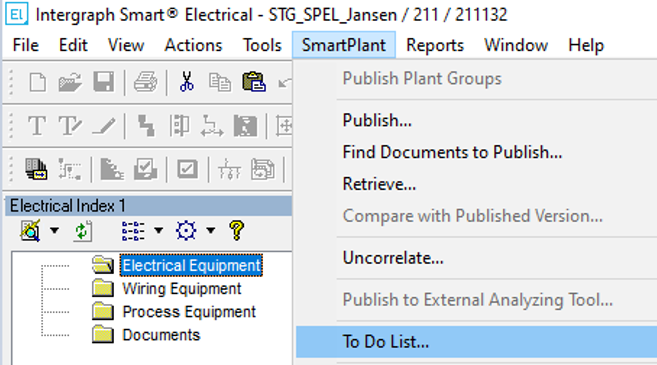
5. Find the target CTA document in the To Do List.

5. Double-click the task to open the Task Properties (or select it and click the Properties icon)

6. Select one or more tasks and click Run  .
.
.
You can see the results in the Electrical Index and Common Properties window.