Publish Register Reports
All publishable documents within SmartPlant Electrical (SPEL) are located under the Documents folder in the Electrical Index.
The steps for publishing register reports includes are the same as the ones described under Publishing Single-Line Diagrams.
Integration Tips for Register Reports
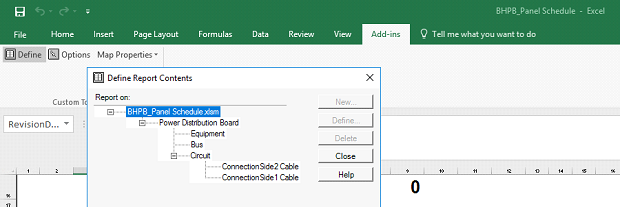
Only classes mapped in the report template will be published with their properties. Some properties of classes other than the main report’s class can be accessed from the main class properties grid in the Define Report Contents section of the template. These properties will be published to SPF only if the classes are mapped in the template, although this is not required for the report requirements in SPEL. In this example, when the report is published, the properties of the classes Equipment, Bus Circuit, and Cable, although not mapped, will be pushed to SPF, in addition to the mapped properties of the main report class Power Distribution Board.
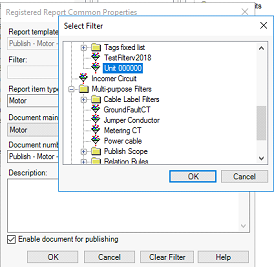
A register report is a container than can carry different content. That content is defined by the filter applied in the Register Report Common Properties window. The required information can be published per unit, for example, by defining a filter per each unit.