Publish Loop Drawings
1. Expand the Tools menu from the top ribbon and select the Domain Explorer (or press F7 on the keyboard).
2. Expand the area and unit to publish the loop drawings and click on the Loops folder.
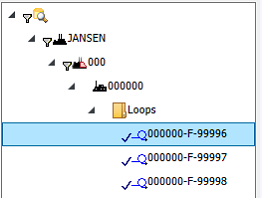
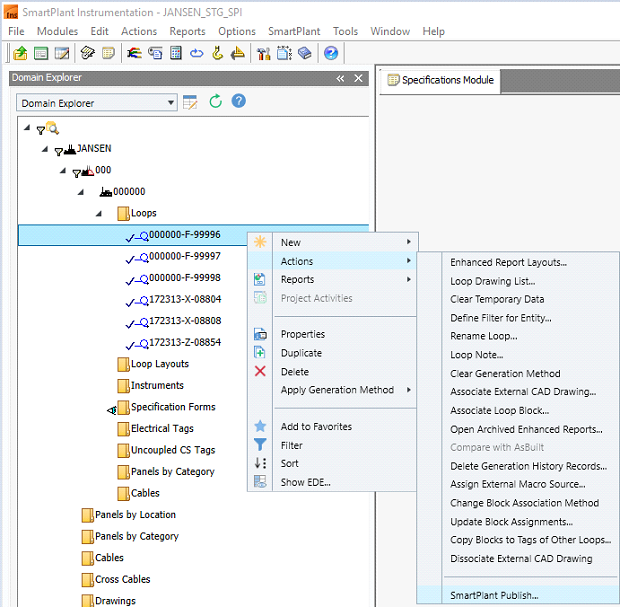
3. Right-click the instrument loop.
4. Expand the Actions menu.
5. Select SmartPlant Publish...