Publish Instrument Data Sheets
Option A – Publishing from the Domain Explorer
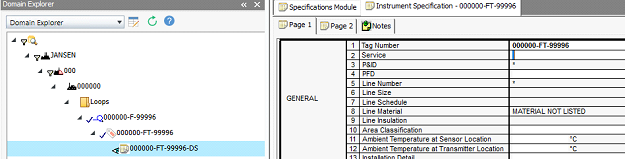
1. Locate the data sheet in the Domain Explorer
2. Open the document
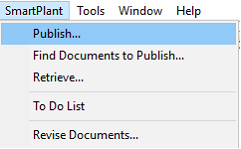
3. Expand the SmartPlant menu from the top ribbon
4. Select Publish...
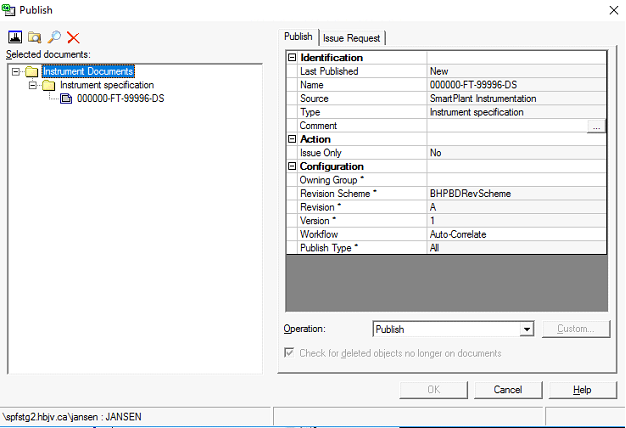
Result: The Publish window opens.
Option B – Publishing from the specification module
1. Select the area and the unit from the Plant Breakdown structure.
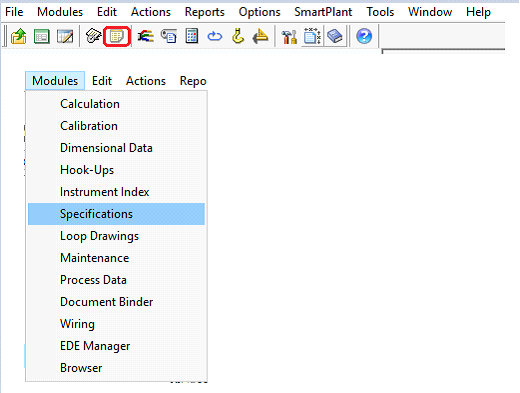
2. Click the icon on the toolbar as shown in the following image (or expand the Modules menu and select Specifications).
3. Click the Open Specification icon in the bottom toolbar of the window

4. Type in the tag number or click the Find button.
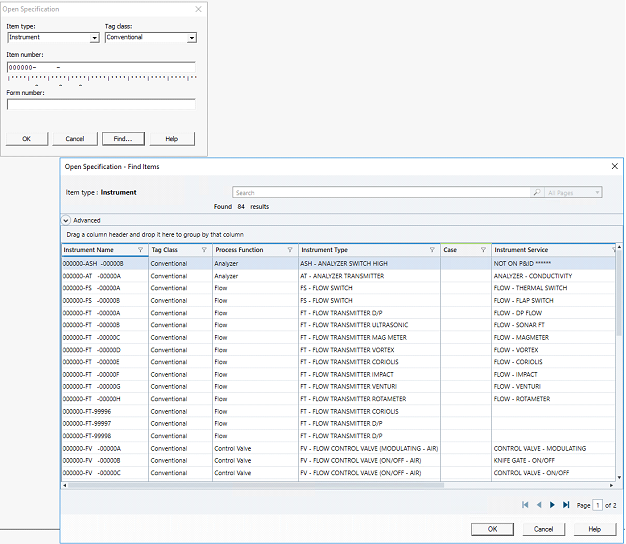
5. Apply filters to locate the desired specification sheet.

6. Click OK.