Publish Documents in Bulk
Option A
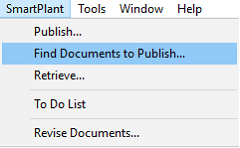
1. Expand the SmartPlant menu from the top ribbon.
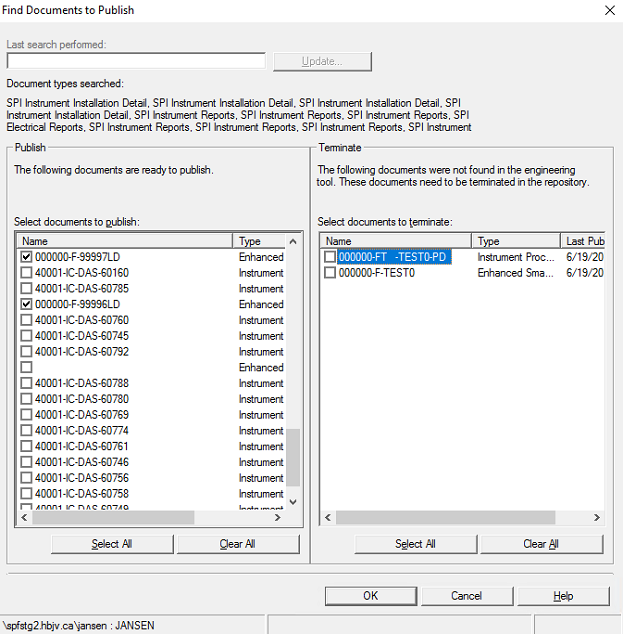
2. Click Find Documents to Publish…
Note: Only documents with a valid revision are selectable.
Option B
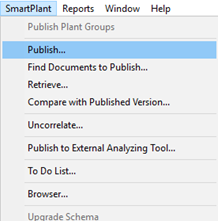
1. Expand the SmartPlant menu from the top ribbon.
2. Click Publish…
3. In the Publish window, select the plant icon.
4. Apply filters as needed to display the corresponding documents for publishing.
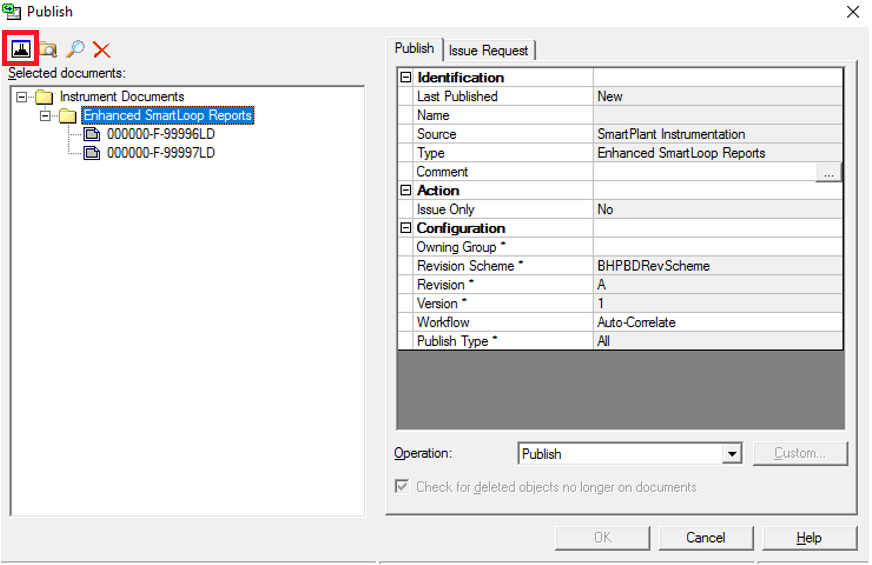
5. Click OK to start publishing.