Navigating to Published Isometric Drawing in SPF Web Client
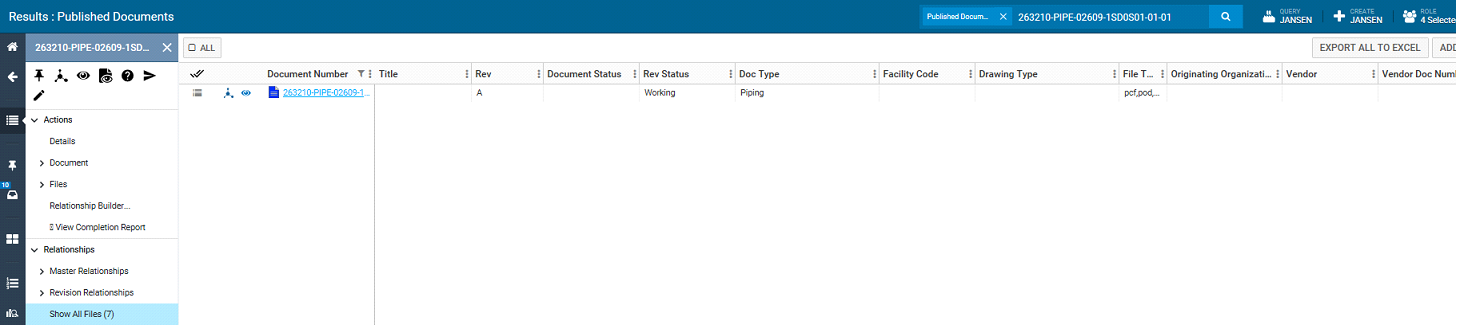
2. On the home page click on the search bar and select Published Documents.

3. Once document type is set to published document, enter the document number to be searched.

4. The searched document will be presented in the list as shown below. The note in File Types column shows that PCF and SHA (native graphic) files have been published as part of this document.

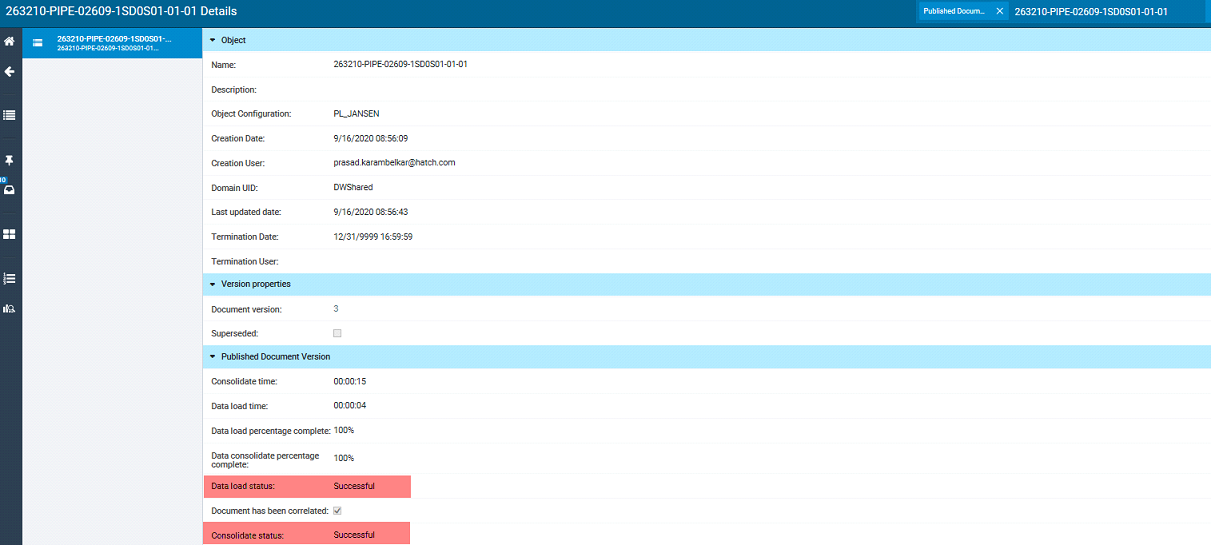
5. Click on menu button and then in the Actions pane click on Details to check the document status

Confirm that Data Load and Consolidation status for the document is successful.
6. In the Actions pane under Relationships select Show All Files, to view all the files (including PCF and SHA) associated with this published isometric drawing. This is the PCF file that will get published to SpoolGen through SPF/SpoolGen interface.