Engineering Data Editor (EDE) Actions Tab
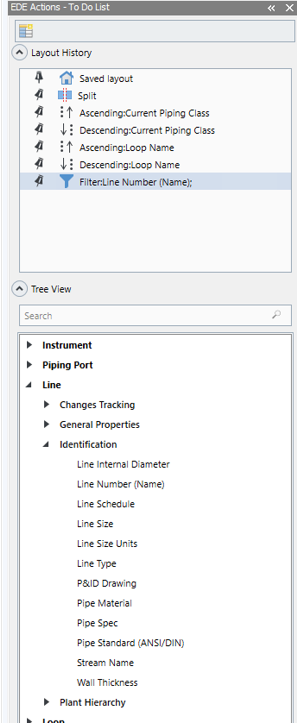
The EDE Actions tab contains the SPI item types that are relevant to the To Do List, for example, if a line was retrieved from SP&ID to SPI, the line item type will be shown in the View Actions tab. These item types are categorized by class, with each item type showing its properties under it. Searching for an item type property brings up a shortlist of results based on the search criteria. You can double-click or drag and drop the property to the To Do List and create a new column.
The data populated in the column is the actual, current value from the SPI database. This column is effective only when running an Update task, since the information already exists in the SPIs database. When running a Create task, this column will be empty.