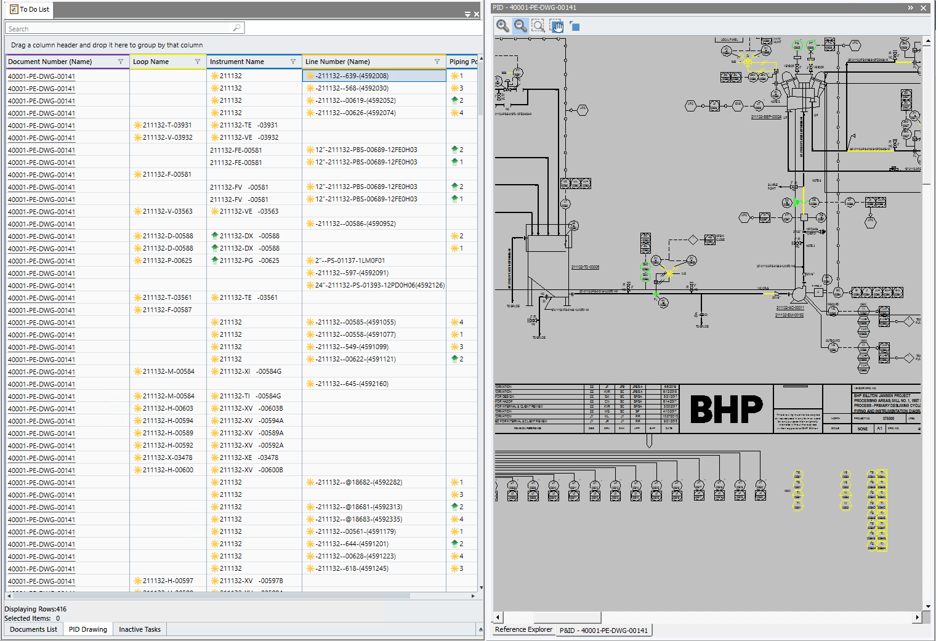
Document List Tab
You cannot process any items in the To Do List from this tab. This tab provides only an overview of the documents that have been retrieved. The To Do List has 8 columns, and provides the following functionalities:
-
Sorting: You can sort the documents by clicking on the column heading.
-
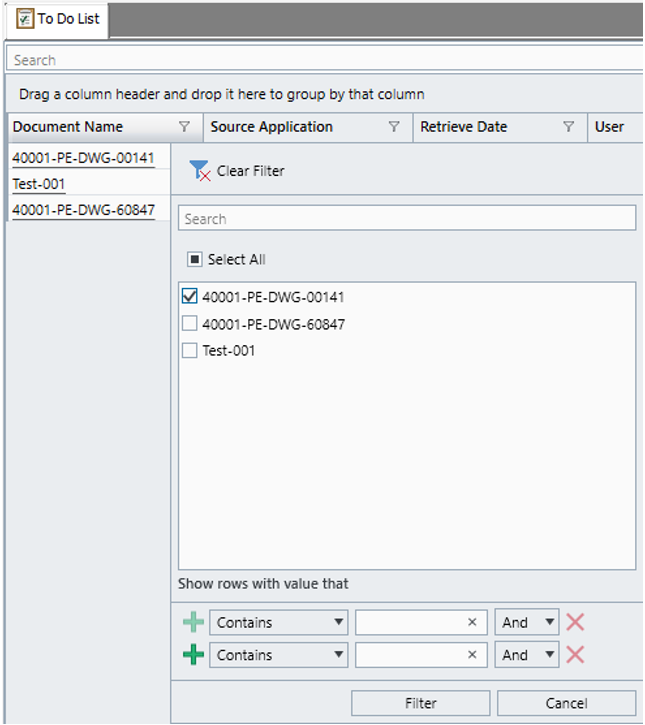
Filtering: You can filter the documents by any column. When clicking on the Filter icon of a column header, a list of selectable values comes up. Users can also create a customized filter.
-
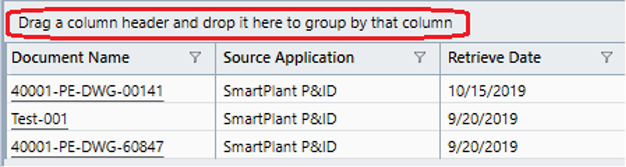
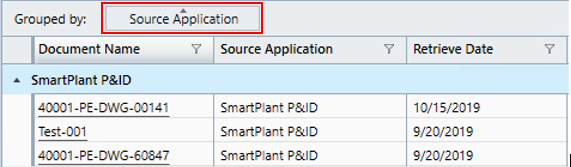
Grouping: To group items based on a column, drag the column header into the area below the Search bar.
-
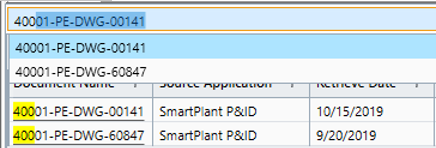
Searching: You can dynamically search for a document list by typing a value into the search box. As you type, a shortlist of results is displayed, and the matching characters are highlighted in yellow. The search capability searches in all columns simultaneously.
Note: If the document name is underlined, it is a link and can be accessed by clicking on it. The document preview will open in a tab on the right side (Reference Explorer).
Important: The Preview functionality currently only supports SP&ID drawings.