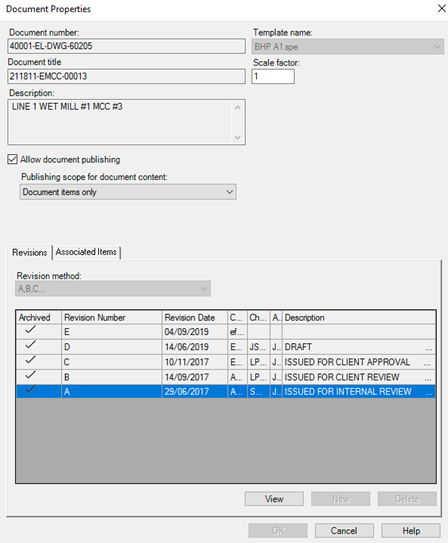
Display Revision and Status
The option Find Documents to Publish... does not report on the revision or the revision status (for example, IFC, As-built etc.). To display this information in the list of documents to publish, an SQL code is required. This will produce a record from SPEL which will generate a result similar to the Table View and the same query result as an Excel file. The ability to run this SQL code is aided by the relatively small size of the SPEL database compared to that of SPI.
The user can see the status of the drawing and evaluate whether that document is publishable based upon the following five criteria:
-
Drawing Name
-
Drawing Number
-
Title Block Revision
-
Drawing Status/Revision Description
-
Revision.
1. Connect to the SPEL database
2. Run the following SQL
Select D.itemtypename, D.itemtag, D.lastrevision, R.revisionnumber, R.revisiondescription, R.revisiondate
from JansenSPELPlant.Jansenel.T_Revision R,JansenSPELPlant.Jansenel.T_Document D
where R.sp_documentid = D.sp_id order by D.documenttype,D.itemtag,R.revisionnumber;
3. Save the results in Excel. This will help determine the SPEL revisions that need modifications.