Create a 3-D Model Drawing
You must set up the 3D model component before creating a 3D Model drawing. To do this:
1. Right-click on the 3D Model component and select Setup...
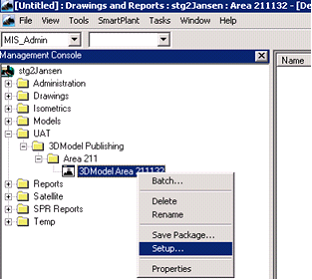
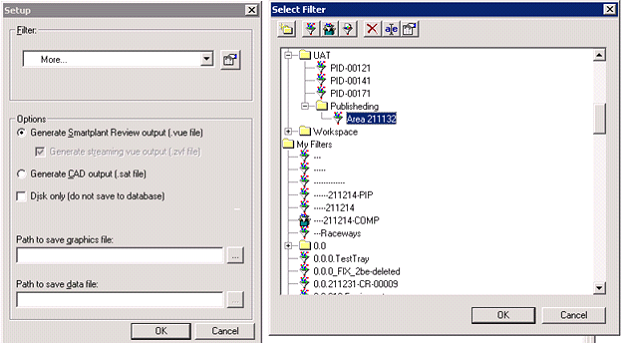
2. Expand the Filter: pull-down menu and select the appropriate filter.
3. Define the location where the .vue file will be created and the name of the .vue file.
4. Click OK.
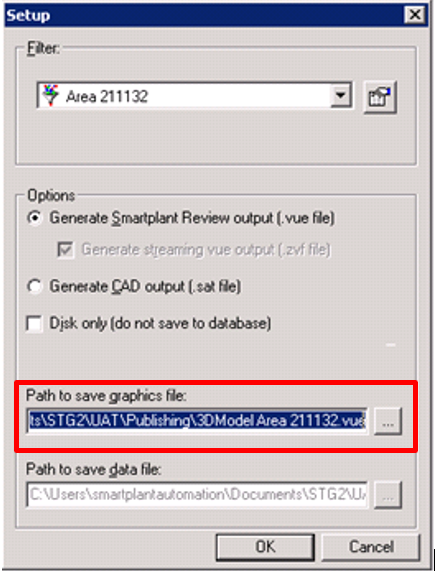
Result: The setup is complete.
5. Right-click on the 3D model component and select Create Drawing.
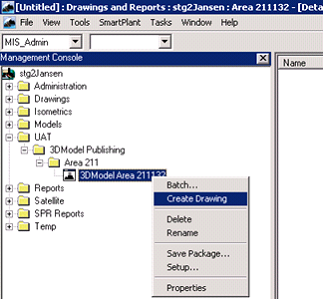
Result: A drawing is created.