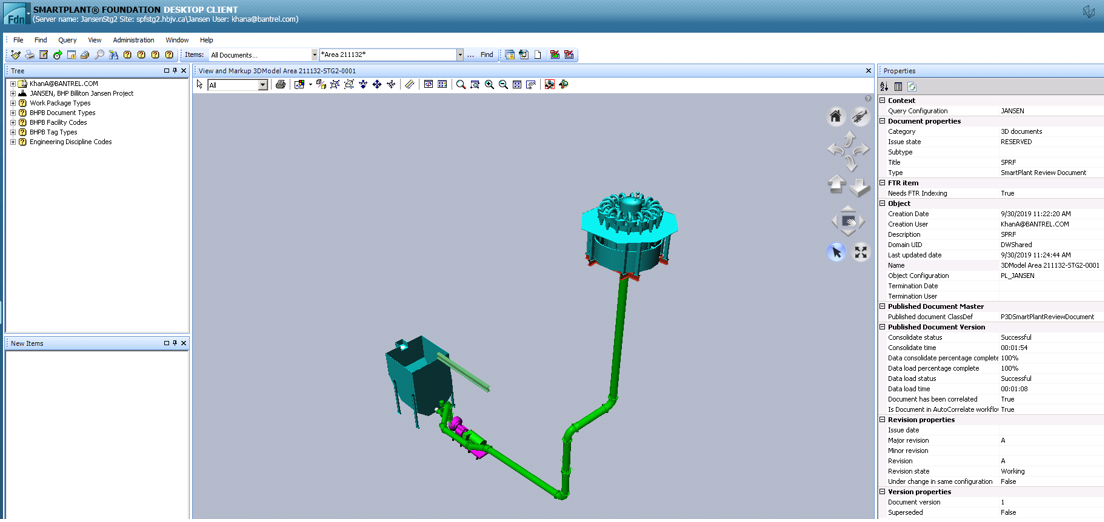
Check Published Documents in SPF
You must verify in SPF that there were no errors when publishing the documents. To do this:
1. Log into SPF
2. Click the Published Documents in Queue icon

3. Type "*3D*" in the Name: field
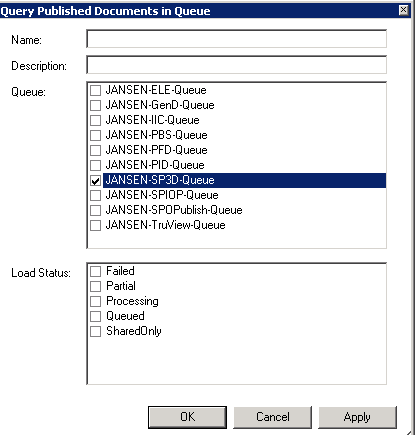
4. Click OK.
Result: This will bring up the queue. Any items that failed to be published will remain in the queue. In this case, contact the SPF Administrator.
In the document properties, both the Load Status and Consolidation Status fields must show Processed.
To view the 3-D model that was created and published:
1. Right-click on the model
2. Expand the Files menu
3. Select View and Markup
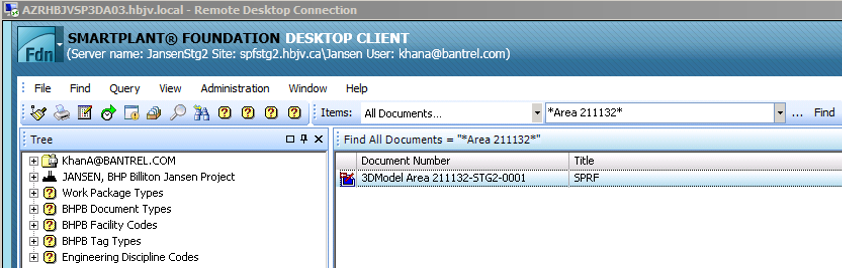
4. Use the navigation tools on the right-hand side to zoom in and out and to navigate through the model.