Access a Model in S3D
1. Open S3D.
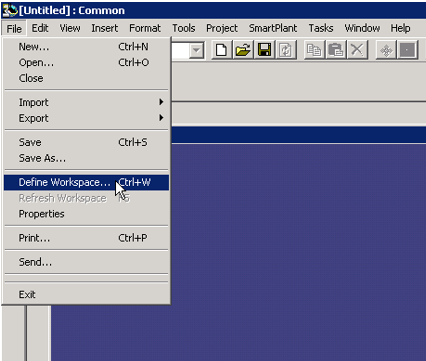
2. Under File, click Define Workspace. You must define a workspace to be able to publish drawings and models.
Note: The workspace is defined by creating a filter. You can use an existing filter; however, the if the existing filter contains a large number of objects, workspace loading will be slow.
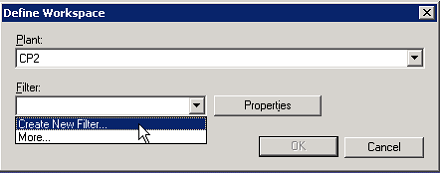
3. Create a new filter by expanding the Filter: pulldown menu and selecting Create New Filter...
4. Select the filter under the plant filters hierarchy. This example uses the filter shown in the following image.
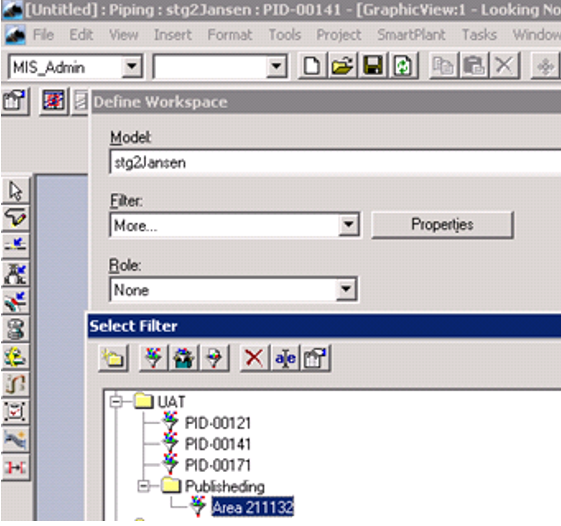
Result: The workspace will appear and display the content to be published.