Show Package Documents
Topics Covered in this section
-Navigate to Work Package
-Show Package Documents
-Show Work Package Documents Overview
-Sorting and Filtering Documents
Navigate to Work Package
Set required query

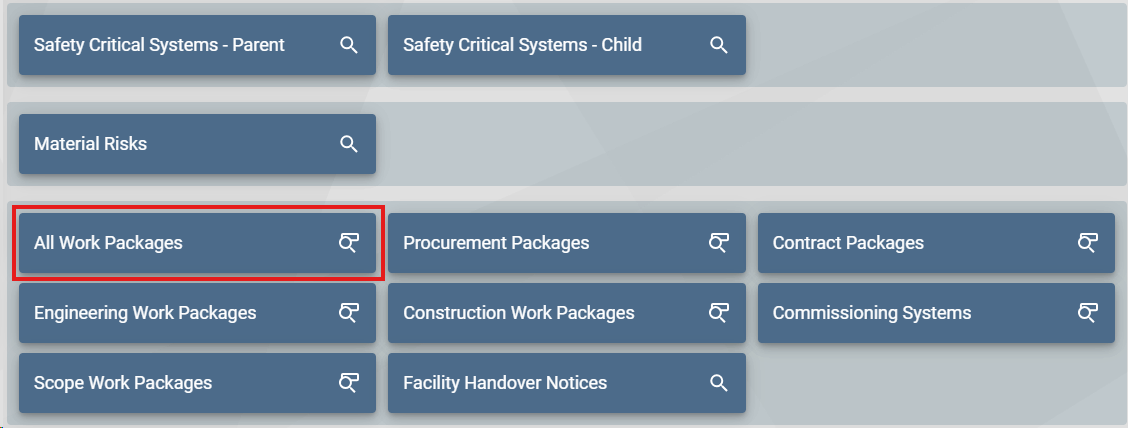
Select 'Work Packages' from the Home page, then select 'ALL Work Packages' to initiate the search
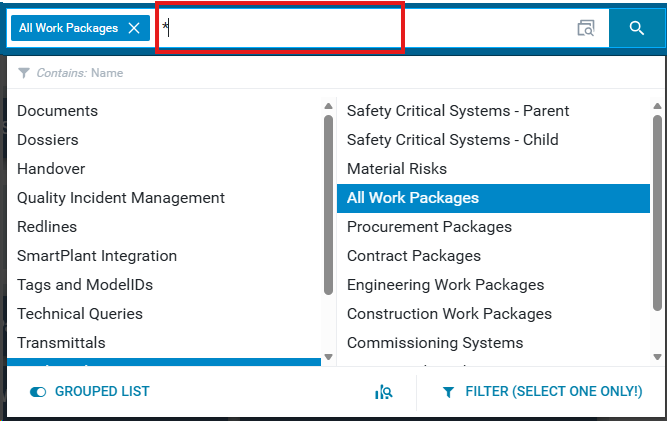
Input the Work Package name, include an astrix at the beginning and end if the name isn't complete, or search with only an astrix for search all.
Result:
List of searched Work Packages

Show Package Documents
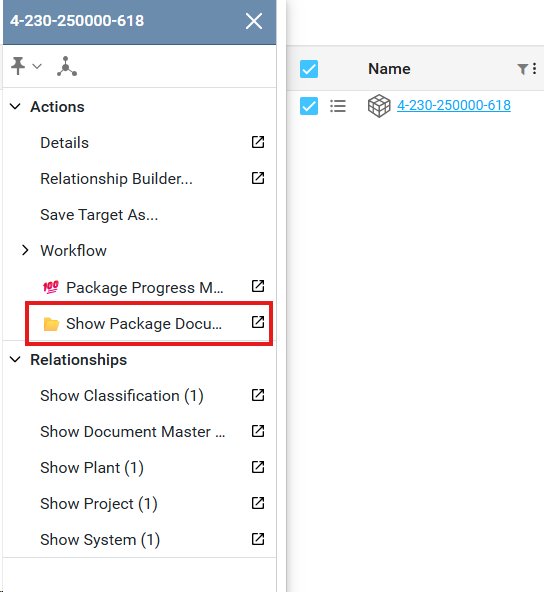
Once the Work Package list is filtered, open the action menu of the desired Work Package and select 'Show Package Documents' to view the list of attached documents
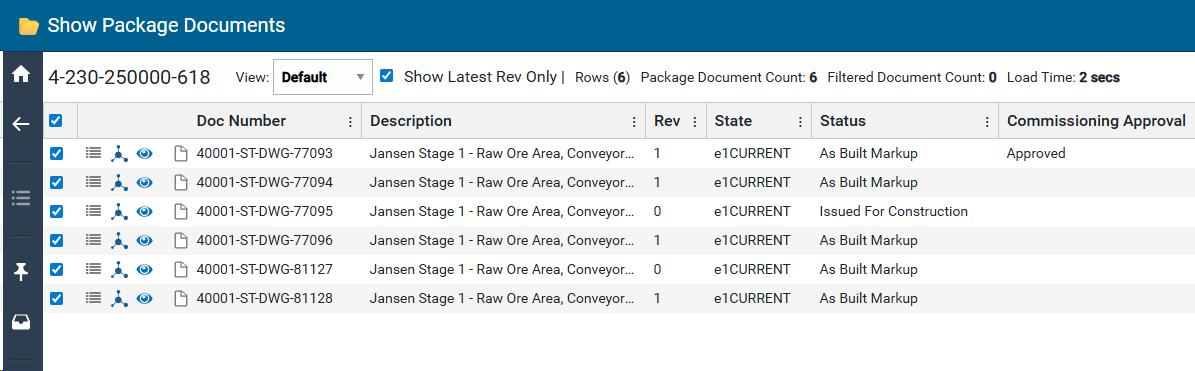
Show Work Package Documents Overview

|
Graphic #
|
Name
|
Description
|
|
1
|
Work Package Number
|
Unique identifier for Work Package
|
|
2
|
Select toggle for attached documents
|
Allows for single or multi select of attached documents to complete action(s)
|
|
3
|
Action Menu
|
Reveals action items for line item
|
|
4
|
Infomap
|
Opens infomap for document in new tab
|
|
5
|
View and Markup
|
Opens new tab to view and markup document
|
|
6
|
Doc Number
|
Document number
|
|
7
|
View
|
Viewable documents based on organization
|
|
8
|
Description
|
Document Title
|
|
9
|
Show Latest Rev Only
|
Toggle: Shows all associated work package documents or current revision only
|
|
10
|
Rev
|
Document revision
|
|
11
|
Rows (n)
|
Total visible rows
|
|
12
|
State
|
State of document, current or superseded
|
|
13
|
Package Document Count
|
Total amount of uniquely named documents, excludes different revisions of documents
|
|
14
|
Status
|
Current status of document. (As Built Markup, Issued for Construction, Draft)
|
|
15
|
Filtered Document Count
|
Total count of documents currently filtered
|
|
16
|
Commissioning Approval
|
Current state of approval
|
|
17
|
Load Time
|
Total time loading package documents. Will stop counting up once load is completed.
|
|
18
|
Parent Package
|
Parent package of document
|
|
19
|
Rel
|
“M” denotes the package relationship to the Master, while "R" denotes if it is a revision relationship
|
|
20
|
Source
|
Source from Authored or Published documents
|
|
21
|
Originating Org
|
Originating organization of document
|
|
22
|
Controlling Org
|
Controlling organization of the document
|
|
23
|
Receiving Org
|
All organizations receiving document
|
|
24
|
Subsystem
|
Which subsystems the document is related to
|
|
25
|
To Excel
|
Export list of all document data which are toggled selected within table
|
Sorting and Filtering Documents
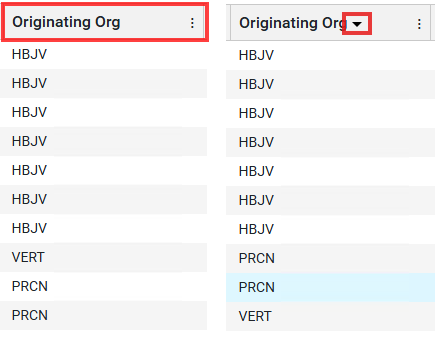
Sorting
Click on the column header to either sort the column by ascending or descending order. Arrow direction defines how the column is currently sorted.
Filtering
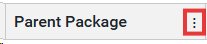
Select the columns menu button to open the columns filter.
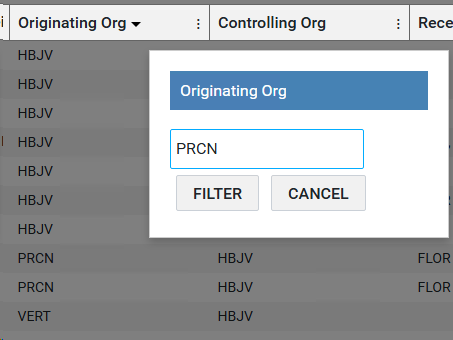
Input the text you're filtering for and press the enter key, or 'Filter' to confirm. Cancel to cancel the action.
Clearing the filter
To clear the filter, select 'CLEAR FILTER' to reset the document table to default.
